



The brief
from Quentin.
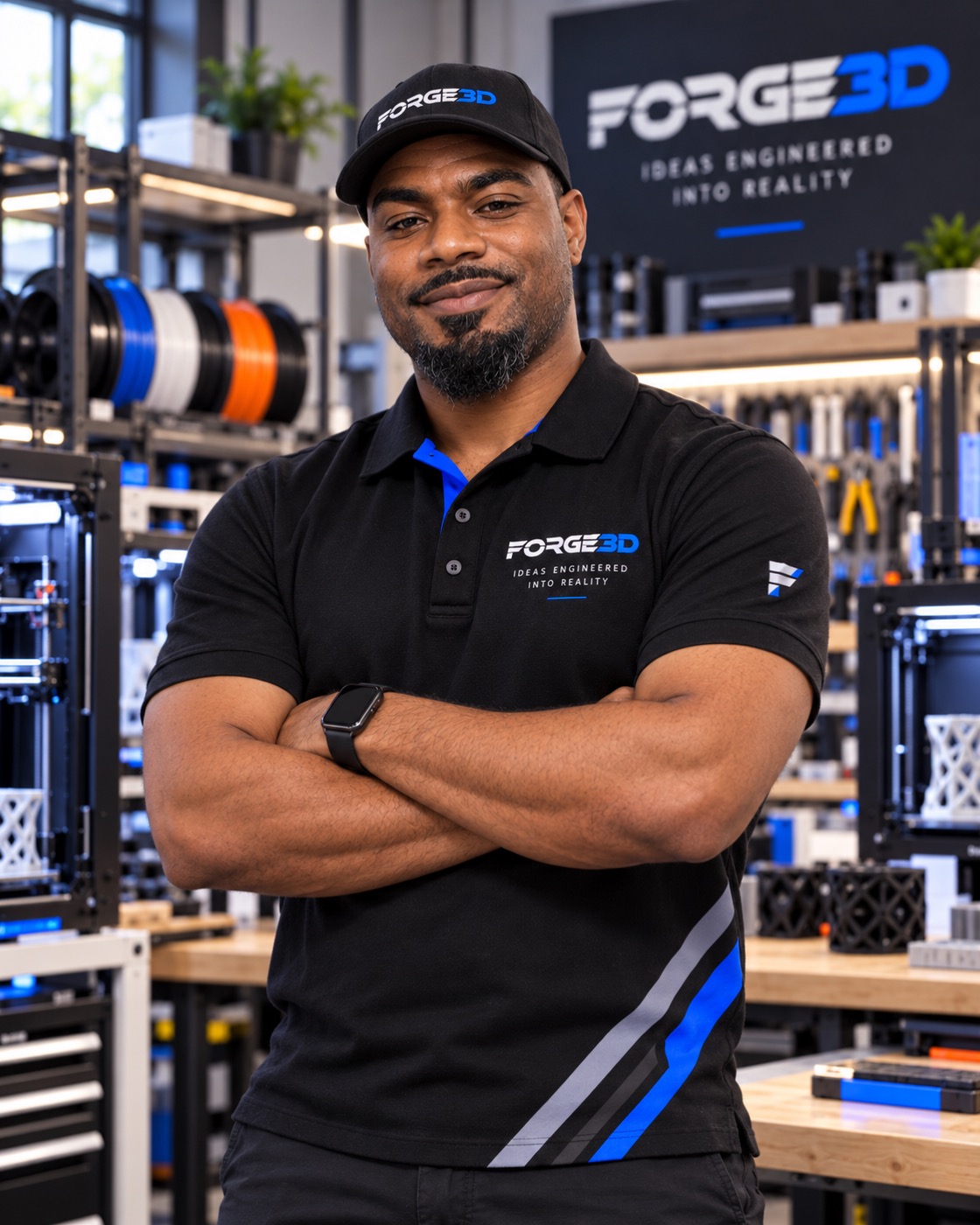
Quentin Parker runs Forge3D from his garage. He wanted a website that would help him stand out in a crowded 3D-printing market. He was open to something flashy, as long as people could still understand what he offered.
We started with the basics: his services, materials, process and a way to ask for an estimate. Then we worked on the parts that would give the site its own character—large type, electric blue, cut corners and interactive 3D.
Quentin’s story stays in the site. It explains who is doing the work and how the business started.
The design.
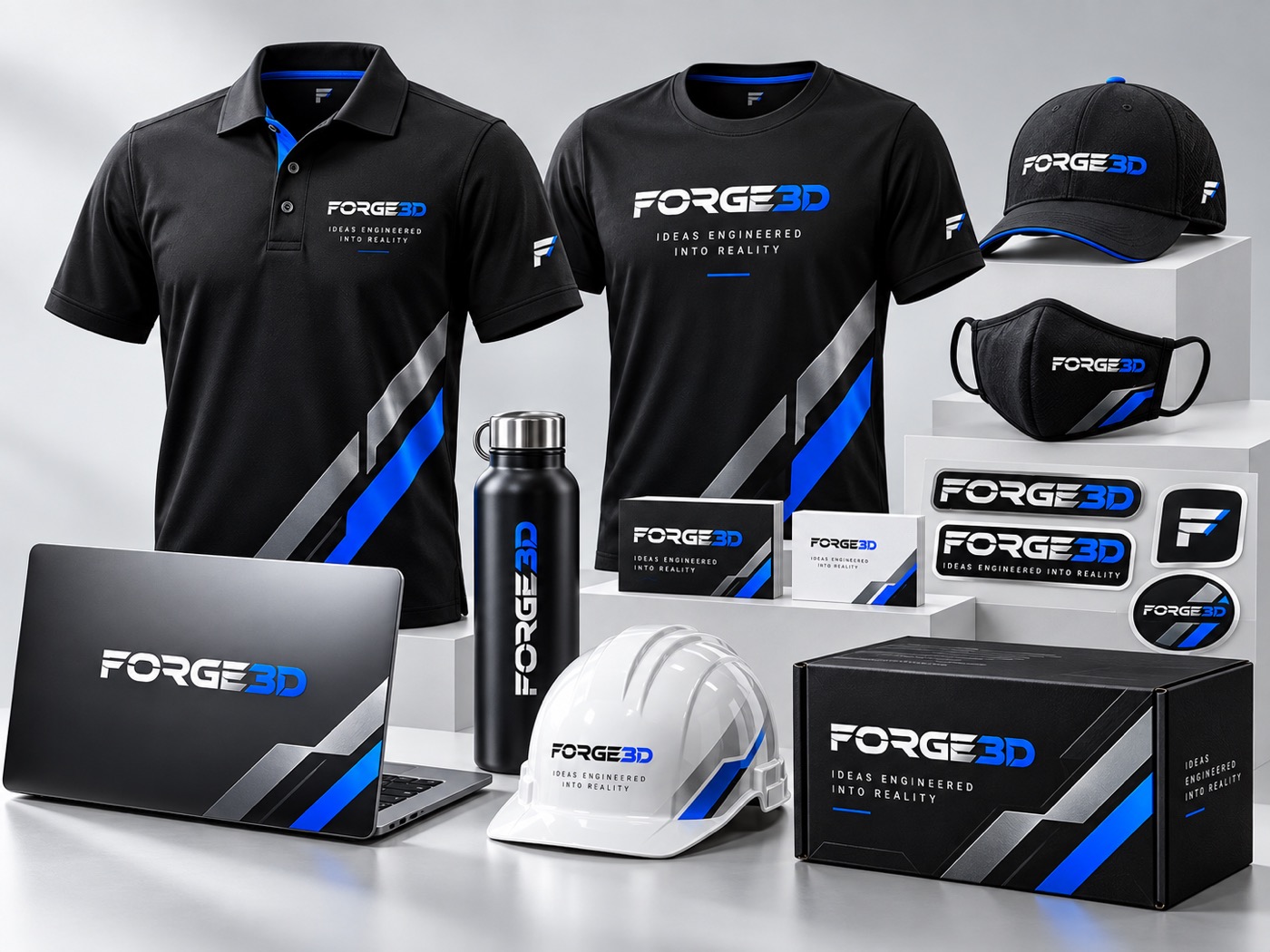
We used black and electric blue throughout the site, with oversized headings and angled image crops. The treatment suits the machinery and gives the pages a consistent look.
Forge3D’s logo carries through the navigation, model views and footer. The material guides and service pages use a simpler layout so visitors can read and compare the information.

The desktop
website.
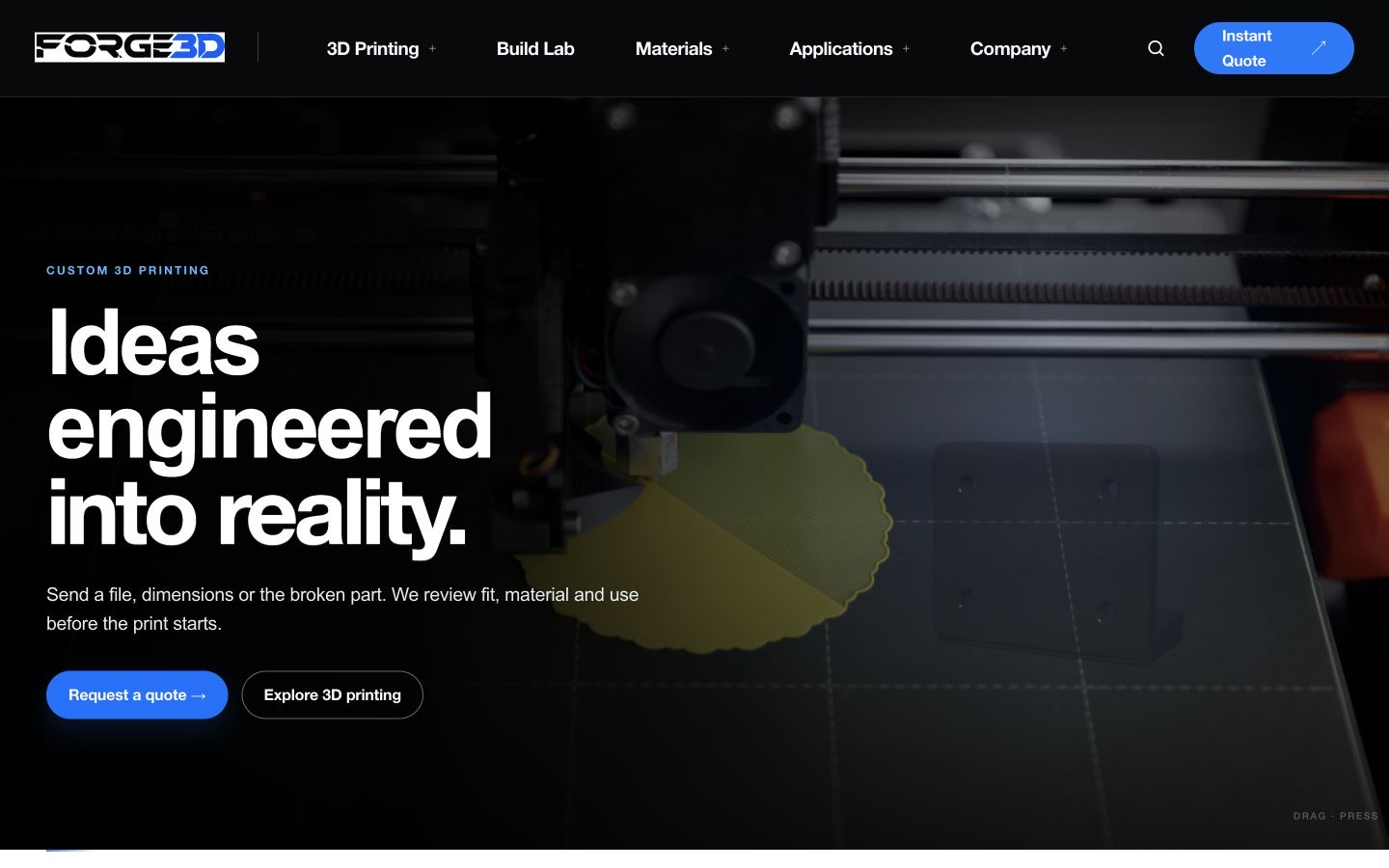
A visitor can arrive with a file, a measurement or a broken part. The site gives each of those starting points a place, with materials, capabilities and applications organized around the job.
Underneath the art direction is a custom WordPress theme built with PHP, HTML, CSS and JavaScript. Responsive layouts recompose the content for smaller screens rather than shrinking the desktop page.
The Build Lab.
Visitors can inspect sample parts and see how the print process works.
We built interactive reference parts with Three.js and WebGL. Visitors can rotate the model, switch between solid, wireframe and X-ray views, and separate assemblies with the exploded view.
Custom GLSL vertex and fragment shaders drive the homepage part’s surface treatment and pointer response. The process viewer changes with each stage: review, prepare, print, inspect and revise.
How the
3D works.
The models respond to dragging and the view controls. Exploded views separate the components; wireframe and X-ray modes expose the geometry.
The estimate
tool.
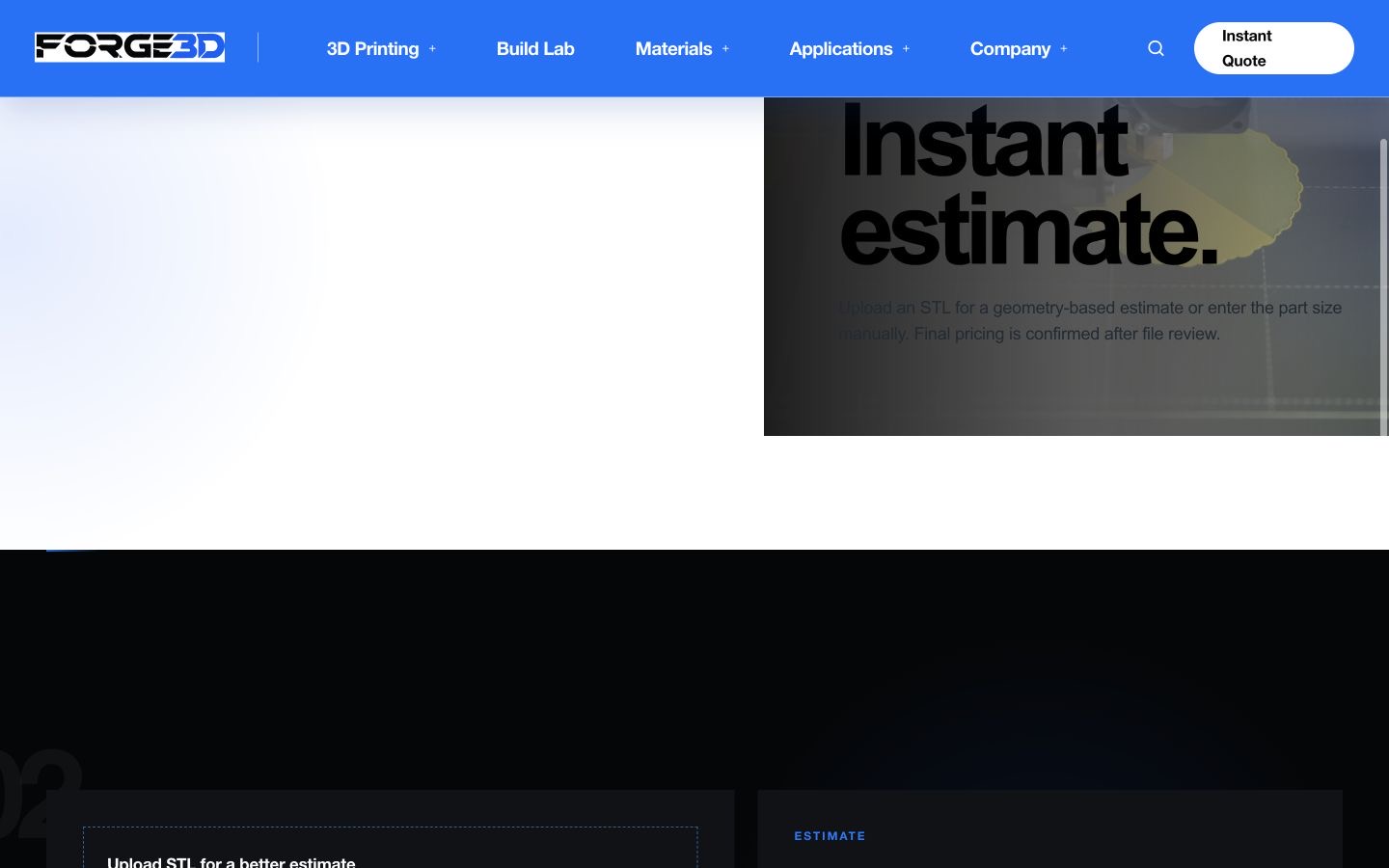
The estimate tool accepts STL geometry or manually entered dimensions. JavaScript reads binary and ASCII STL files and combines the part’s size with material, infill, quantity and finishing choices.
It gives visitors a ballpark before file review, rather than presenting an automatic estimate as a confirmed production quote. The Build Lab’s job simulator similarly explains the workflow without promising a delivery date.
What we
delivered.
A custom WordPress website with service and material pages, Quentin’s story, a WebGL part viewer, a print-workflow demonstration and an STL estimate tool.
The design gives Quentin the more distinctive presence he asked for, while keeping the path to an enquiry clear.
Discuss a website project